Buyer step 1
Confirm specification
Use the overview specs and detailed table to define the product version.
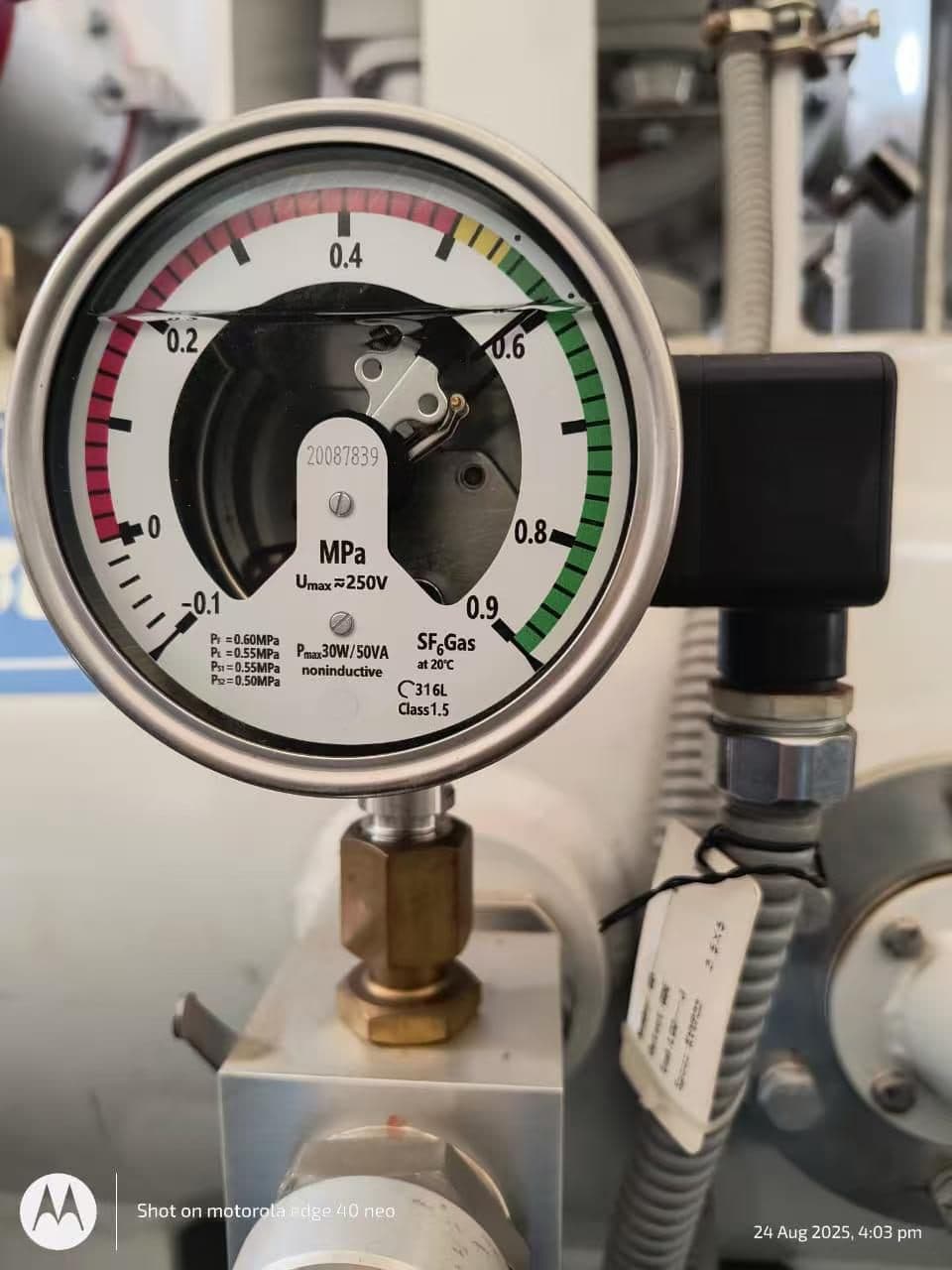
RFQ-ready product view
Image, specs, applications, packing notes, and quote context stay on one page.
Buyer step 1
Use the overview specs and detailed table to define the product version.
Buyer step 2
Align material feel, finish, label, card, sleeve, box, and carton plan.
Buyer step 3
Check MOQ, lead time, inspection needs, documents, and shipment terms.
Procurement Data Sheet
| Application | |
| Supported equipment | GIS gas compartments and SF6 switchgear |
| Compatible brands | XD, ABB, Siyuan, Pinggao and other GIS brands |
| Customization | Connection, pressure range and contact setting by drawing or sample |
| RFQ Checkpoints | |
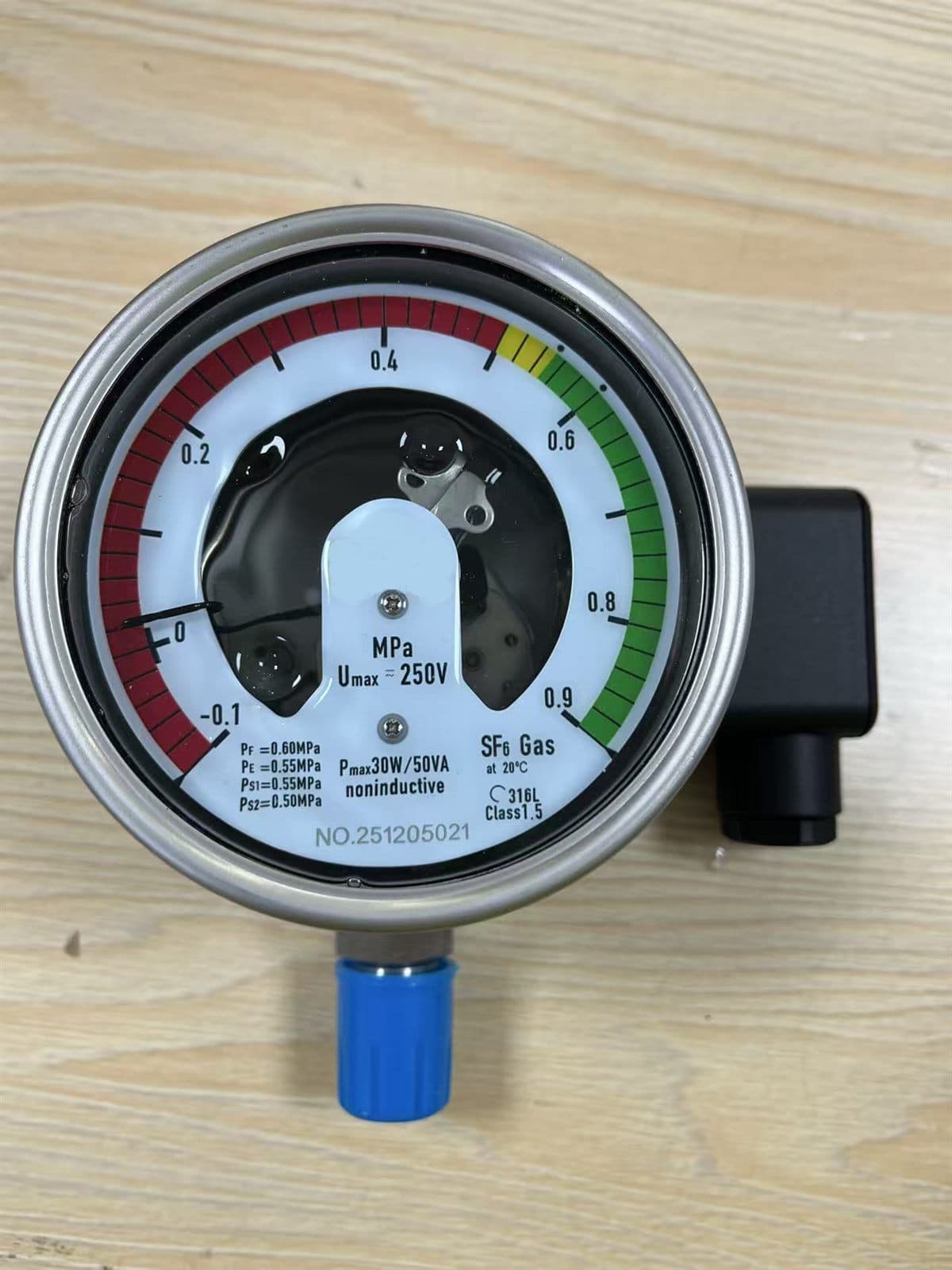
| Alarm contacts | Low pressure alarm, lockout, or customer-defined contact logic |
| Connection | Thread, flange, capillary tube, or adapter interface confirmed before supply |
| Verification | Dial range, reference temperature, wiring diagram, and label photo checked against site requirement |
Use cases
Delivery planning
Typical lead time, MOQ, warranty, and packing details are confirmed by quotation. Custom products can be supplied from 1 piece when drawings or samples are provided.
RFQ Desk
Share model, drawing, photo, quantity, destination country, and any certificate or packing requirement. The export team will confirm selection, documents, lead time, and quotation route.