Buyer step 1
Confirm specification
Use the overview specs and detailed table to define the product version.
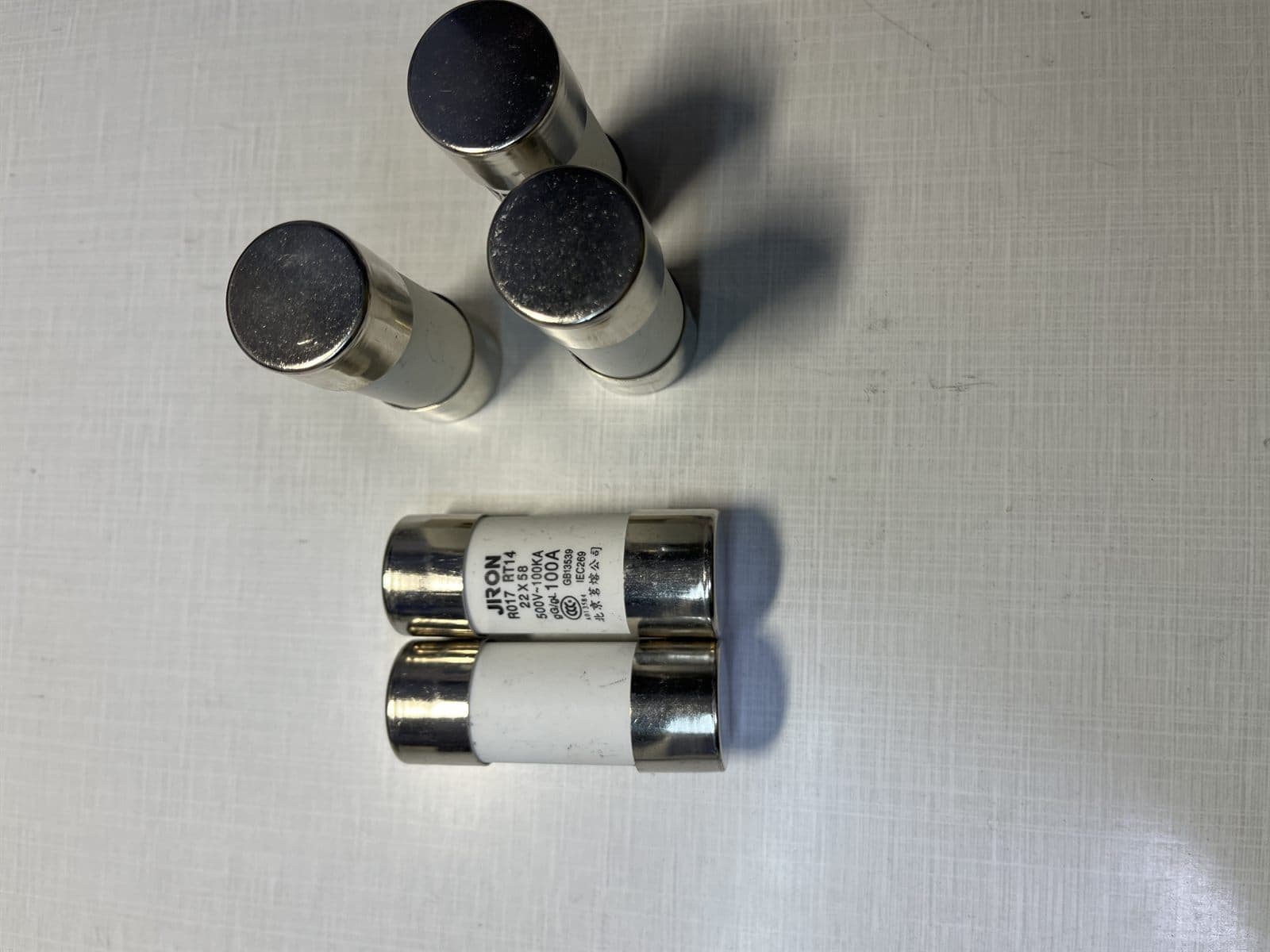
RFQ-ready product view
Image, specs, applications, packing notes, and quote context stay on one page.
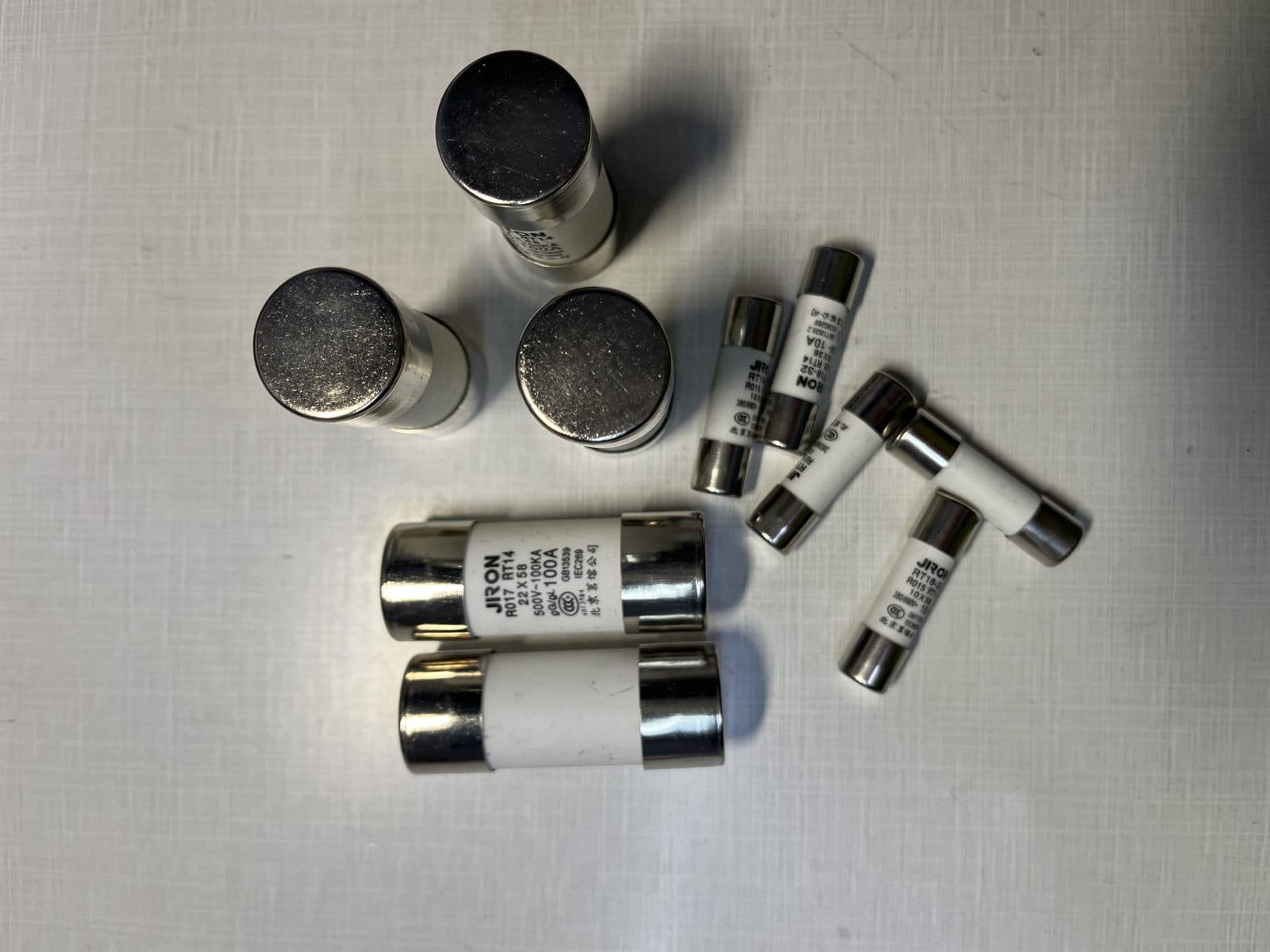
Buyer step 1
Use the overview specs and detailed table to define the product version.
Buyer step 2
Align material feel, finish, label, card, sleeve, box, and carton plan.
Buyer step 3
Check MOQ, lead time, inspection needs, documents, and shipment terms.
Procurement Data Sheet
| Selection | |
| Application | Low-voltage and low-power electrical protection |
| Selection basis | Model, rating, size, standard, photo, or sample |
| Use case | Maintenance, repair, OEM sourcing, and spare parts |
| Procurement Data | |
| Electrical rating | Rated current, rated voltage, breaking capacity, curve, and applicable standard |
| Physical match | Body size, mounting style, terminal type, label marking, and package quantity |
| Supply mode | Original model sourcing, equivalent replacement review, or batch BOM consolidation |
Use cases
Delivery planning
Typical lead time, MOQ, warranty, and packing details are confirmed by quotation. Custom products can be supplied from 1 piece when drawings or samples are provided.
RFQ Desk
Share model, drawing, photo, quantity, destination country, and any certificate or packing requirement. The export team will confirm selection, documents, lead time, and quotation route.